The Getting Things Done methodology has helped millions organize their work and reduce mental stress. But let’s be honest - the traditional GTD workflow demands significant manual effort. Clarifying each inbox item, assigning contexts, organizing projects, and reviewing everything weekly takes real discipline.
What if AI could handle the heavy lifting while you focus on the work that matters?
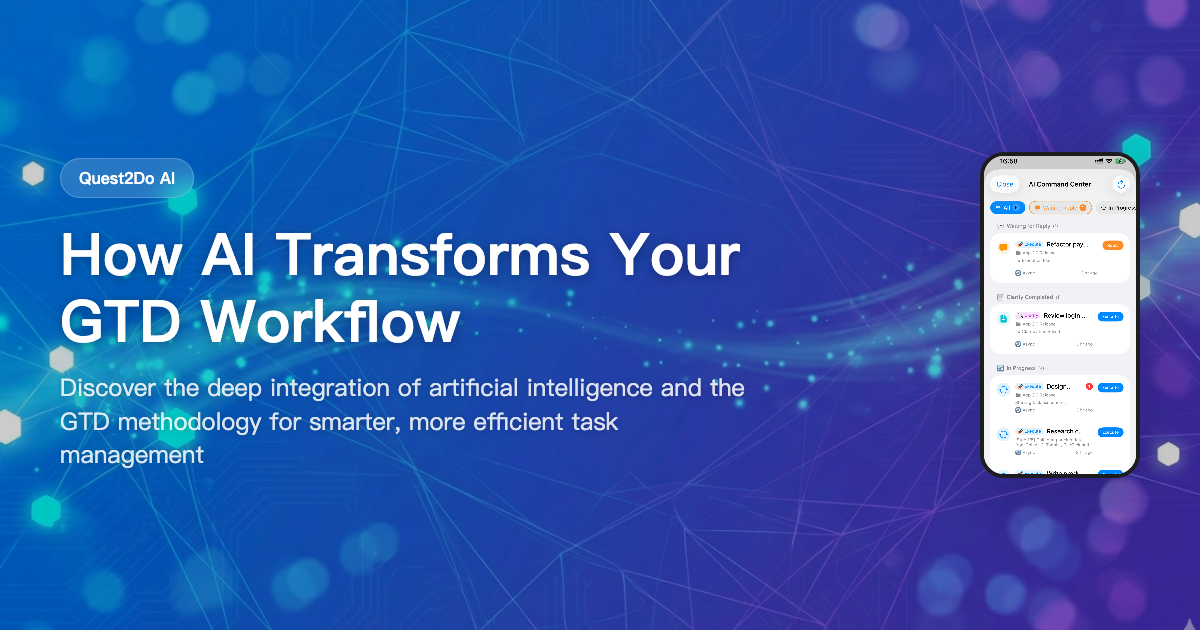
Quest2Do brings artificial intelligence into every stage of the GTD workflow, turning a manual productivity system into an intelligent one. Here’s how.
The Problem with Traditional GTD
David Allen’s GTD methodology is brilliant in theory. But in practice, many people abandon it within weeks. Why?
- Clarification fatigue: Processing dozens of inbox items daily is mentally draining
- Organization overhead: Deciding on contexts, priorities, and energy levels for each task adds friction
- Review burnout: Weekly reviews feel like a chore rather than a productivity boost
- Execution paralysis: Even with organized lists, choosing what to do next can be overwhelming
The core issue isn’t the methodology - it’s the manual effort required to maintain it. AI changes this equation entirely.
AI Clarify: Your Intelligent Inbox Processor
The clarify step is where most GTD systems break down. You stare at a vague inbox item like “handle the website thing” and need to transform it into an actionable task with clear next steps, appropriate context, and correct priority.
Quest2Do’s AI Clarify feature does this in seconds.
How It Works
Capture freely - Throw anything into your inbox without worrying about formatting. A quick thought, a screenshot, a voice note - just get it out of your head.
AI analyzes your item - When you’re ready to clarify, Quest2Do’s AI examines each inbox item and suggests:
- Whether it’s actionable or should go to Reference/Someday
- The appropriate GTD category (Next Action, Project, Waiting For)
- Recommended context (@Computer, @Phone, @Home, @Office, @Errands)
- Priority level and energy requirement
- Project association if relevant
One-tap application - Review the AI’s suggestions and apply them with a single tap. You can adjust anything, but most of the time the AI gets it right.
Real-World Example
Imagine you captured these items during a busy morning:
| Inbox Item | AI Clarify Result |
|---|---|
| “Quarterly report due Friday” | Next Action, @Computer, High Priority, High Energy |
| “Interesting article about remote work” | Reference Material |
| “Fix the login bug reported by Sarah” | Next Action, @Computer, Medium Priority, assigned to Project “App v2.0” |
| “Maybe learn Rust someday” | Someday/Maybe |
| “Call dentist for appointment” | Next Action, @Phone, Low Energy, 2-minute task |
What would take 10-15 minutes of manual processing now takes under a minute. The AI understands context, recognizes patterns from your previous tasks, and makes intelligent suggestions.
Multi-Turn Conversations
For complex or ambiguous items, AI Clarify supports multi-turn conversations. Ask follow-up questions, refine the scope, or let the AI help you break down a vague idea into concrete projects and next actions.
AI Execute: Your Personal Task Agent
Clarification is just the beginning. Quest2Do’s AI Execute feature (Agent Skill) takes productivity to an entirely new level by actually doing tasks for you.
The Agent Skill Architecture
Here’s how AI Execute works:
- Assign on your phone - Browse your next actions and tap “AI Execute” on any task suitable for AI assistance
- Mac + Claude Code processes - Your Mac running Claude Code picks up the task and begins working on it
- Progress syncs in real-time - Watch the AI’s progress update on your phone via iCloud
- Review and approve - When the AI completes the task, review the results and approve
This creates a powerful asynchronous workflow: you assign tasks during your commute, and your Mac handles them while you focus on other things.
What AI Execute Can Handle
| Task Type | Examples |
|---|---|
| Code Generation | Write unit tests, refactor functions, create boilerplate |
| Document Writing | Draft emails, create reports, write documentation |
| Data Analysis | Summarize datasets, create charts, identify trends |
| Research | Gather information, compare options, create summaries |
| Content Creation | Blog posts, social media content, presentation outlines |
Privacy and Security
All AI execution happens locally on your Mac. Your task data syncs via iCloud with end-to-end encryption. No data passes through Quest2Do’s servers - your information stays yours.
Putting It All Together: The AI-Enhanced GTD Workflow
Here’s what a typical day looks like with Quest2Do’s AI features:
Morning (5 minutes)
- Open Quest2Do - AI has already recommended your top 3 tasks based on your schedule, energy patterns, and deadlines
- Quick scan of any new inbox items from yesterday evening
- Let AI Clarify process them in batch
Work Session (focused)
- Pick from your AI-recommended tasks
- Start a Pomodoro focus timer
- Assign any AI-suitable tasks to AI Execute
- Complete tasks, earn coins and XP through the gamification system
Commute / Break
- Quick capture any new thoughts on your iPhone
- Check AI Execute progress - review completed results
- Approve or provide feedback on AI-generated work
Evening (2 minutes)
- Quick inbox sweep
- AI processes any remaining items
- Tomorrow’s recommendations are already preparing
Weekly Review (15 minutes instead of 60)
- AI pre-analyzes your projects and highlights what needs attention
- Review AI-generated project health reports
- AI suggests next actions for stalled projects
- Confirm the AI’s organizational suggestions
The result? A GTD system that practically runs itself, with you as the decision-maker rather than the administrator.
Getting Started with AI-Powered GTD
Ready to transform your productivity workflow?
- Download Quest2Do from the App Store (free for iPhone, iPad, and Mac)
- Do a brain dump - Capture everything on your mind into the inbox
- Let AI Clarify process your inbox items
- Set up AI Execute on your Mac for automated task handling
- Enjoy the flow - Focus on meaningful work while AI handles the rest
The free version includes the complete GTD workflow with gamification. AI features are available with Quest2Do Pro at just $2.99/month - less than a coffee for hours of saved decision-making every day.
For a practical step-by-step guide to setting up AI-driven daily task ordering, see How to Use AI to Prioritize Your Daily Tasks Automatically. For the full macOS GTD setup guide — including app selection, Markdown storage, and beginner-to-advanced workflows — see our Complete Guide to GTD on macOS. Curious how Quest2Do GTD’s AI approach compares to open-source AI agents? Read our Quest2Do GTD vs OpenClaw comparison.
Quest2Do - Where AI meets GTD. Every task is a quest, every completion is growth.